Suno How-To Guide 2026: Make Music with AI, Clone Your Voice, and What It Costs
Suno turns a few lines of lyrics or a mood into a full song. The latest v5.5 adds up to 8-minute tracks, voice cloning (Voices), and custom models. Here's how to access and use it, the Free 50-credits / Pro $10 / Premier $30 pricing, the commercial-use rules, and the limits.
AI-made songs are all over Instagram and TikTok now, and most of them come from one tool: Suno. The short version - type a few lines of lyrics or one sentence describing a mood, and you get a complete song with intro, verses, and outro. You don’t need to be a musician; for background tracks and short-form content it’s more than good enough.
What can it do?
Suno is a text-to-music generator. Write your own lyrics, or just describe a vibe like “mellow city pop, summer night,” and it produces a song. Genres run wide - pop, rock, hip-hop, EDM, cinematic.
- Text to full song — a prompt yields a track with vocals
- Voices (voice cloning) — record a short singing sample, verify, and sing in your own voice
- Custom Models — upload 6+ original tracks to learn your style (Pro keeps up to 3)
- Extend & add vocals — continue an unfinished track, or lay vocals over instrumentals
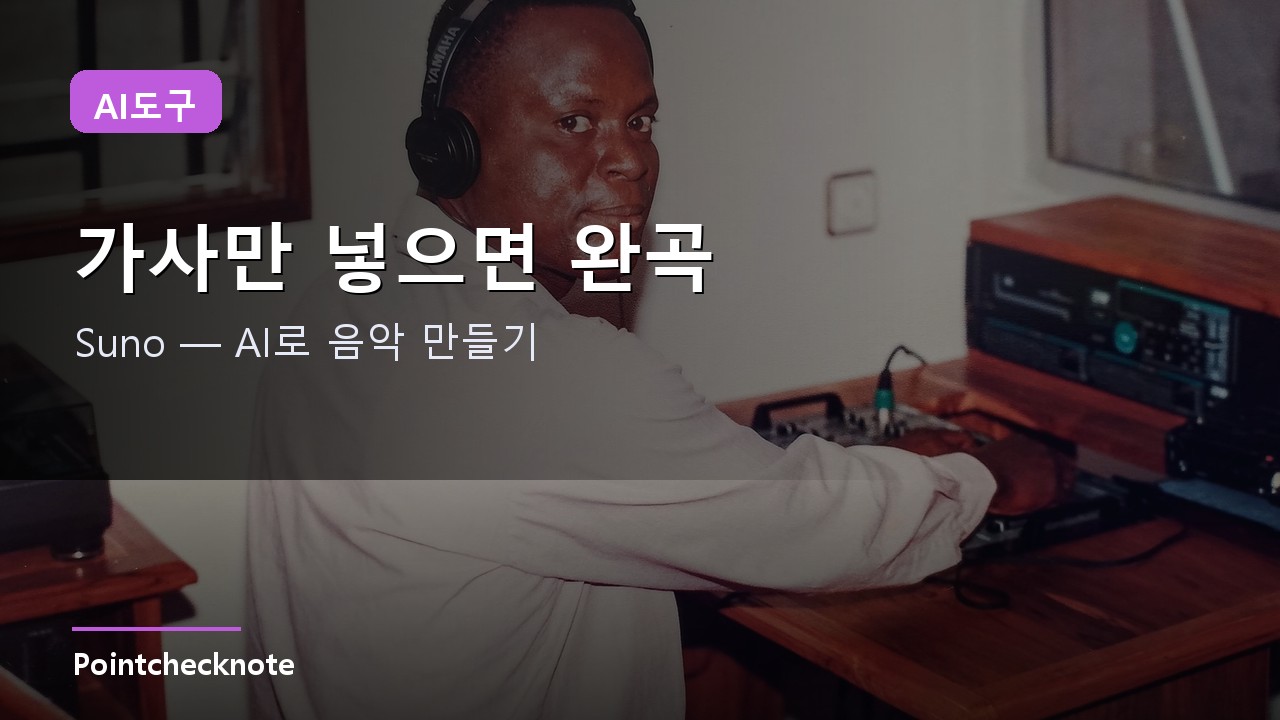
The latest v5.5 stretches songs to 8 minutes, so tracks feel structured rather than abruptly cut.
Why it’s worth it
The barrier is basically gone. No instruments, no theory - throw an idea at it in plain words and hear it in seconds. For video and short-form creators, quickly generating copyright-safe background music is the real win. If you also make video, this pairs naturally with the Seedance 2.5 guide and making video with Higgsfield.
How to start
Create an account at suno.com (web or app) and go. The flow is simple.
- Prompt — write lyrics or describe mood and genre
- Generate — you usually get two versions; pick the one you like
- Refine — vary the melody, extend the song, or add vocals
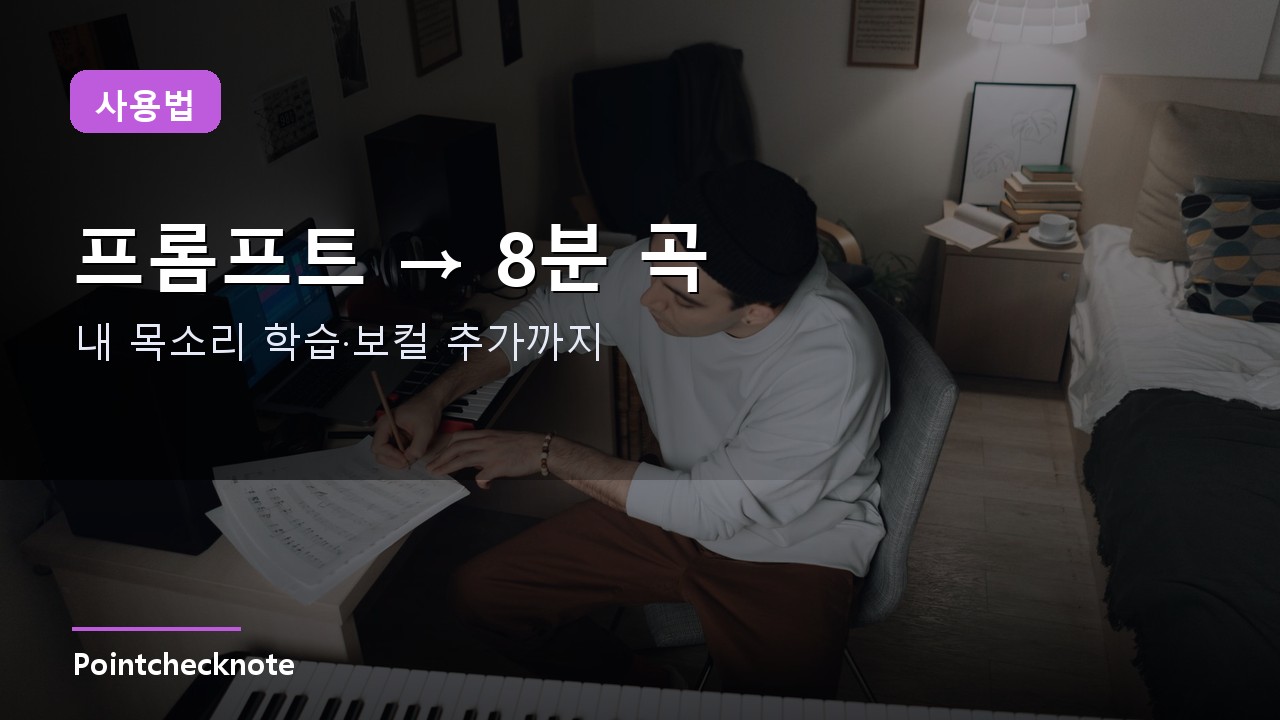
Stuck on lyrics? Just toss in a vibe like “summer night drive, dreamy synth-pop” and it fills in. Pairing this with a research tool like Perplexity speeds up content planning.
Pricing and commercial use
| Plan | Price | Credits | Notes |
|---|---|---|---|
| Free | $0 | 50 credits/day (~10 songs) | Non-commercial only |
| Pro | $10/mo | 2,500 credits/mo | Commercial license, v5.5, Voices |
| Premier | $30/mo | 10,000 credits/mo | High-volume |
Annual billing lands around $8/mo (Pro) and $24/mo (Premier). One thing you must know: songs made on the Free plan can’t be used commercially. If you plan to monetize on YouTube or sell tracks, you need Pro or higher.
There are limits too. The same prompt yields different results each time, so generating a few and picking is the norm - and mimicking a real artist’s style verbatim is best avoided for copyright reasons.
Frequently Asked Questions
Q. Is Suno free? The free plan gives 50 credits/day (~10 songs). But free songs can’t be used commercially; monetizing requires Pro ($10/mo) or higher.
Q. Can I sing in my own voice? Yes, via the Voices feature in v5.5 - record a short singing sample, verify, and generate songs in your own voice.
Q. How long can songs be? Up to 8 minutes on the latest v5.5, produced as structured, full tracks from intro to outro.
Related posts
 AI Tools
Perplexity How-To Guide 2026: Cited AI Search, Deep Research and the Comet Browser
Research goes from opening ten links to one question plus a source check
 AI Tools
Claude × GitHub MCP Guide 2026: Triage Issues, Open PRs and Search Code by Chat
Issue triage and PR drafts by chat — without leaving the conversation
 AI Tools
Seedance 2.5 How-To Guide 2026: 30-Second 4K One-Shot Video, Access and Prompts
A seamless 30 seconds with sound in one pass — short-form workflows shift